Happy Eyeballs
Better Connectivity Using Concurrency
Carsten Strotmann
Created: 2025-01-30 Thu 09:45
Agenda
- Why "Happy Eyeballs"
- Happy Eyeballs vs. traditional IP connections
- Microsoft Windows NCSI
- Happy Eyeballs v3
Happy Eyeballs
Why
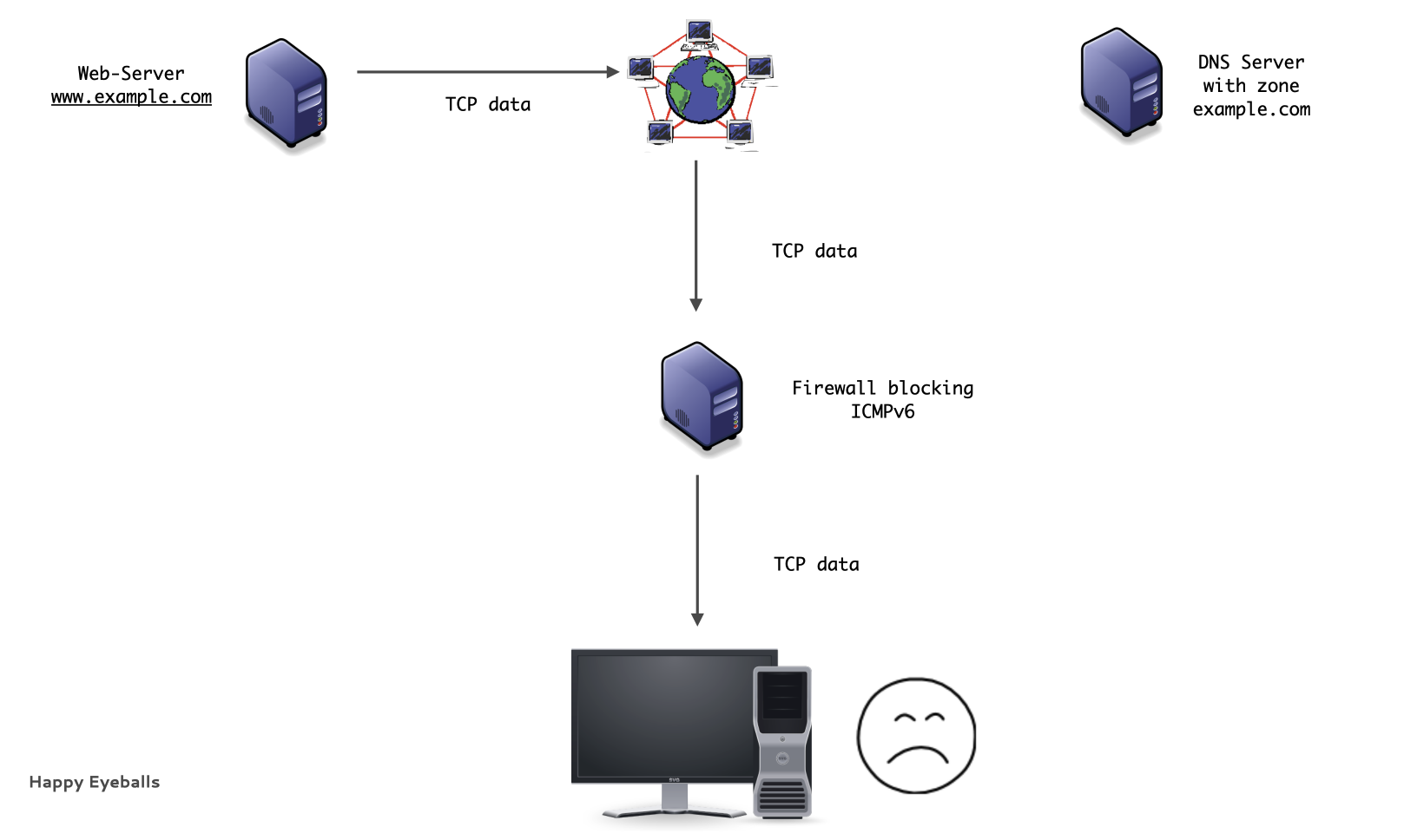
- Traditionally, IPv6 capable operating systems prefer IPv6 over IPv4
- If IPv6 is available, it is tried first
- If the connection cannot be established, IPv4 will be used after an timeout on the IPv6 connection
- This results in non-optimal user experience
Traditional IPv6 connections
Traditional IPv6 connections (1/9)
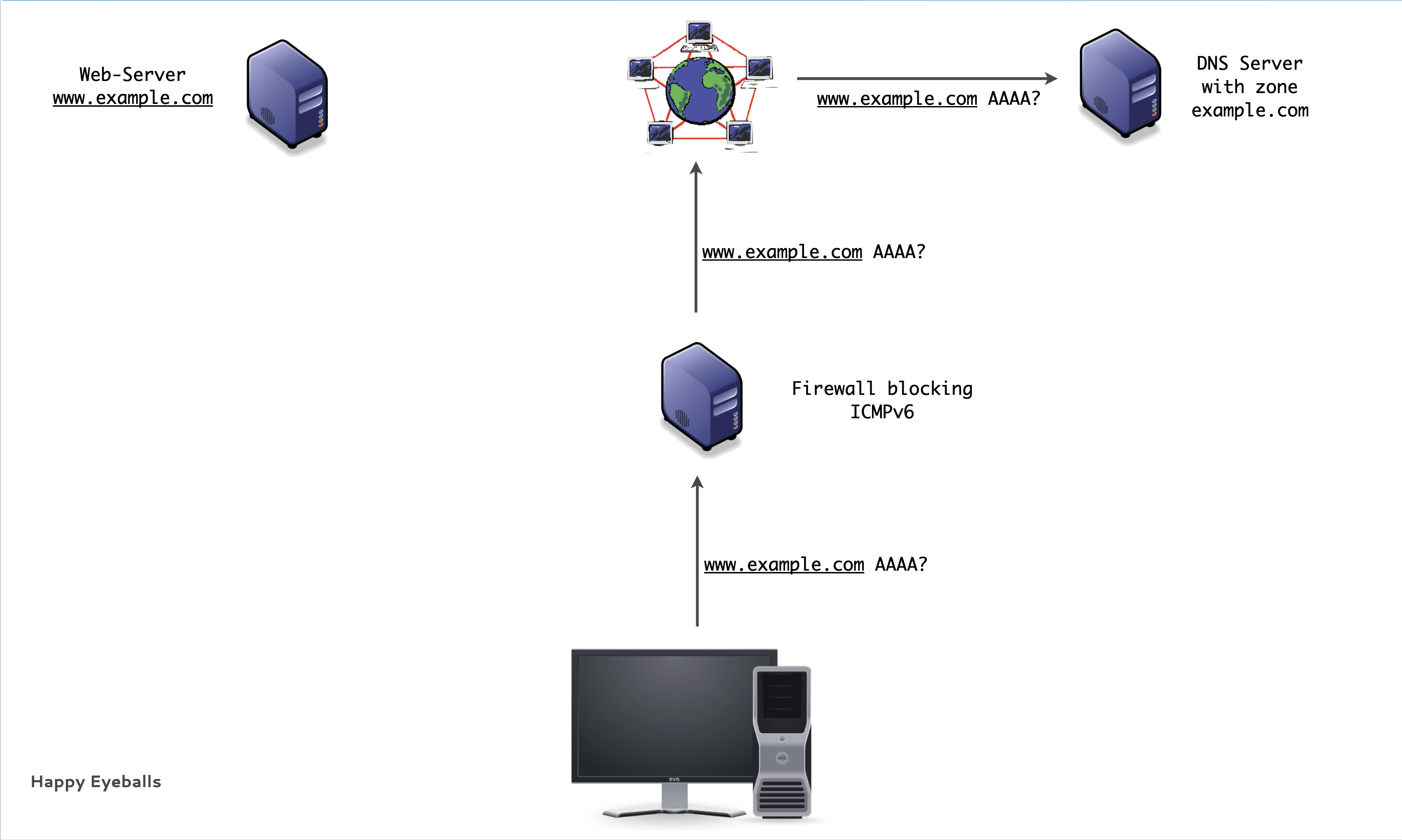
Traditional IPv6 connections (2/9)
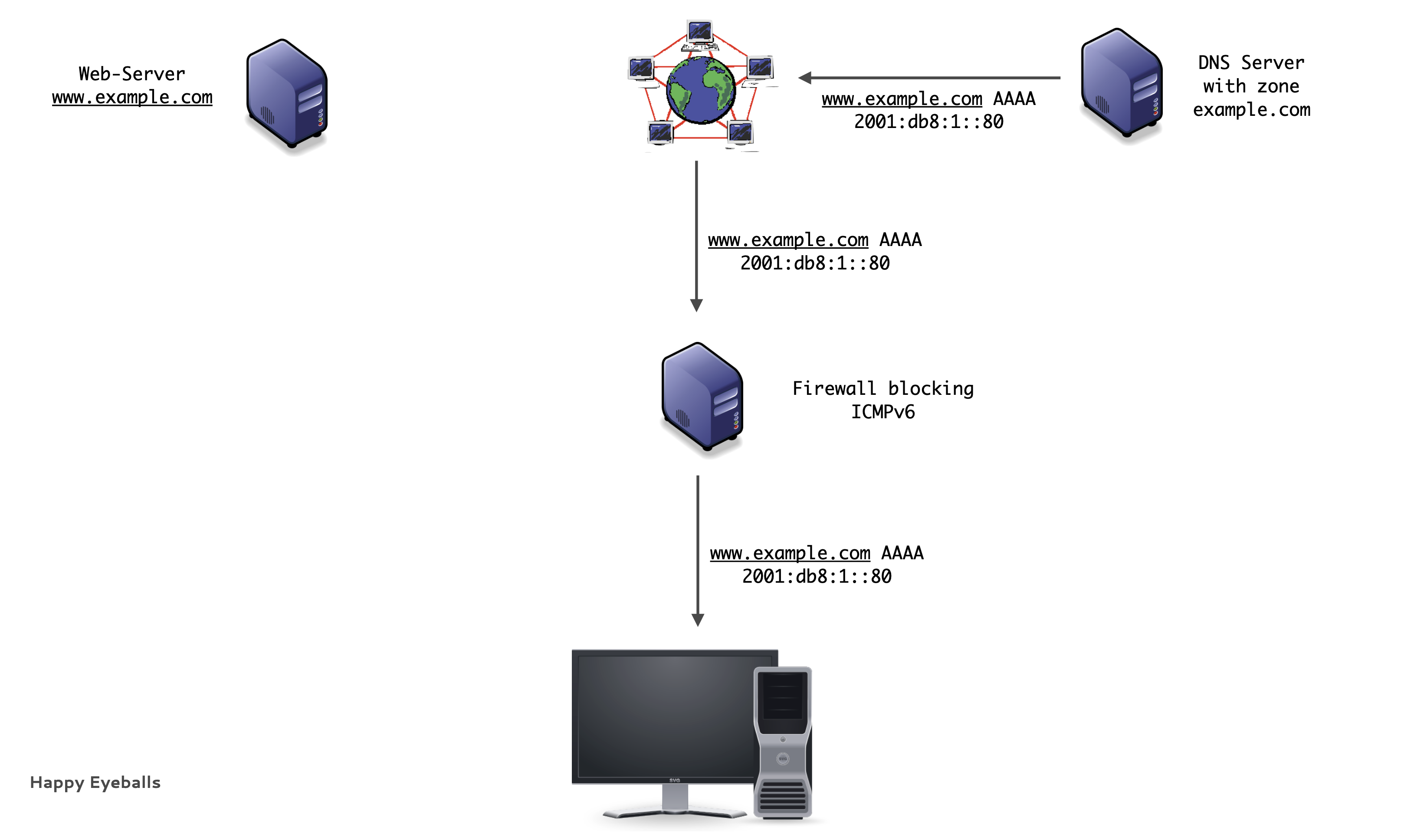
Traditional IPv6 connections (3/9)
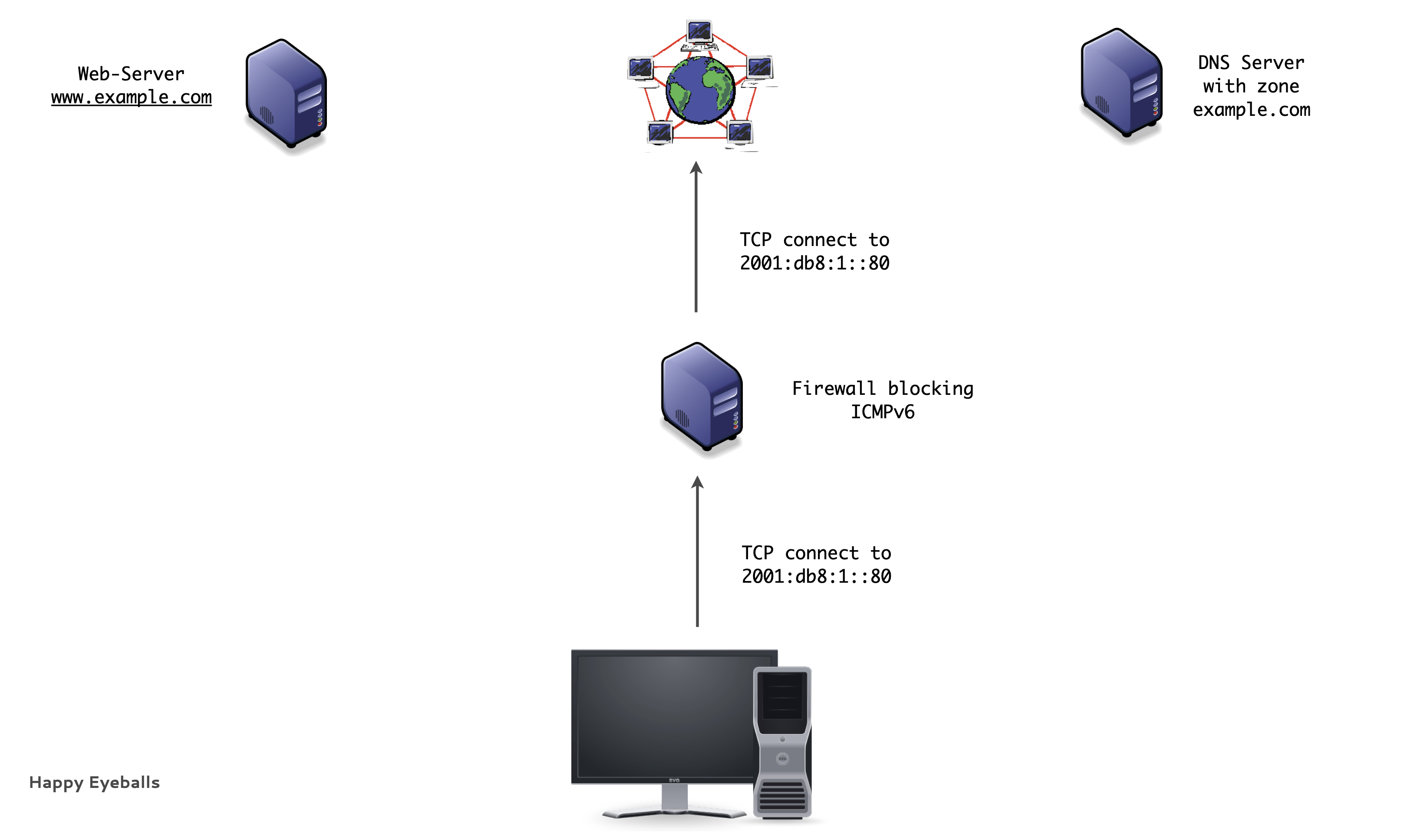
Traditional IPv6 connections (4/9)
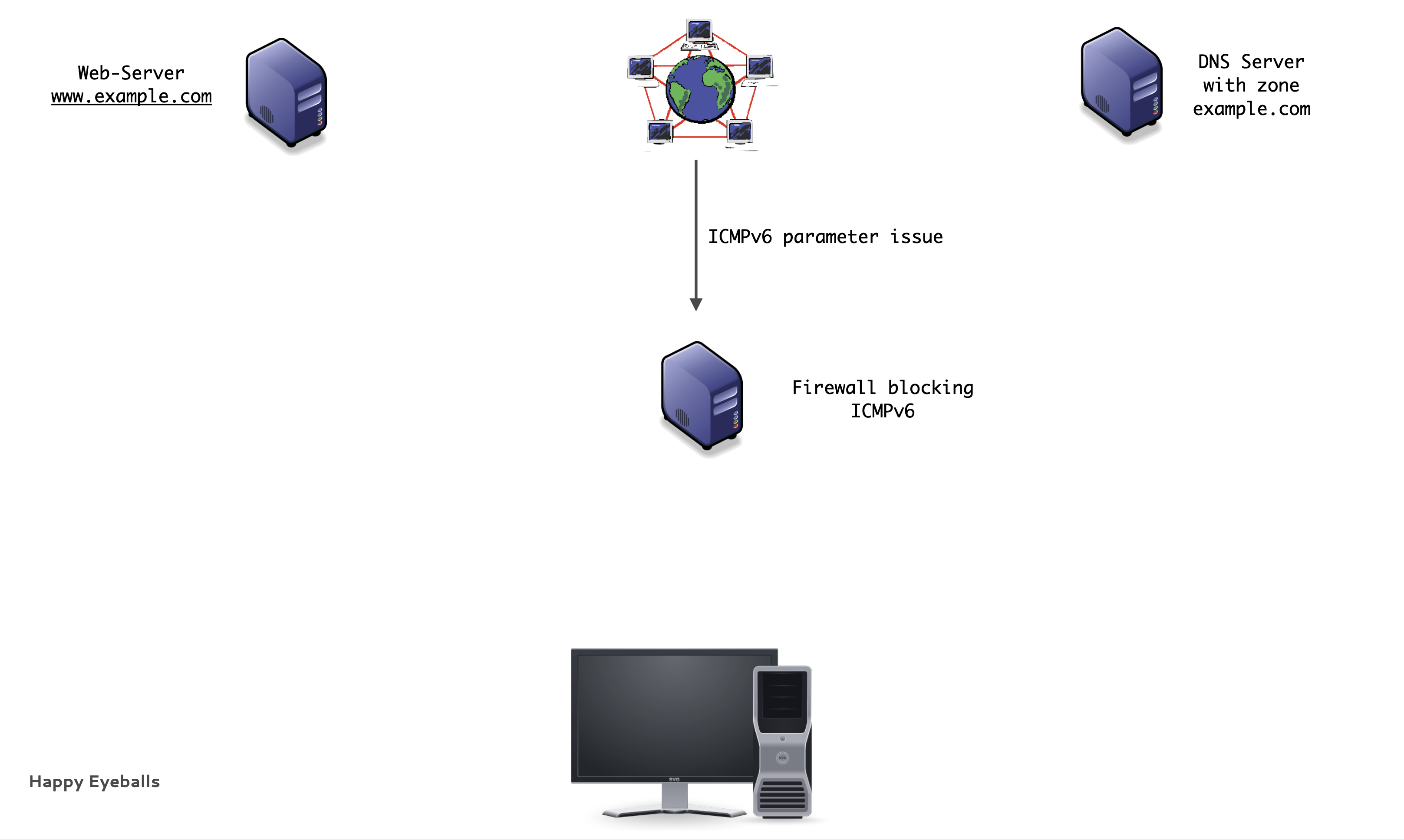
Traditional IPv6 connections (5/9)
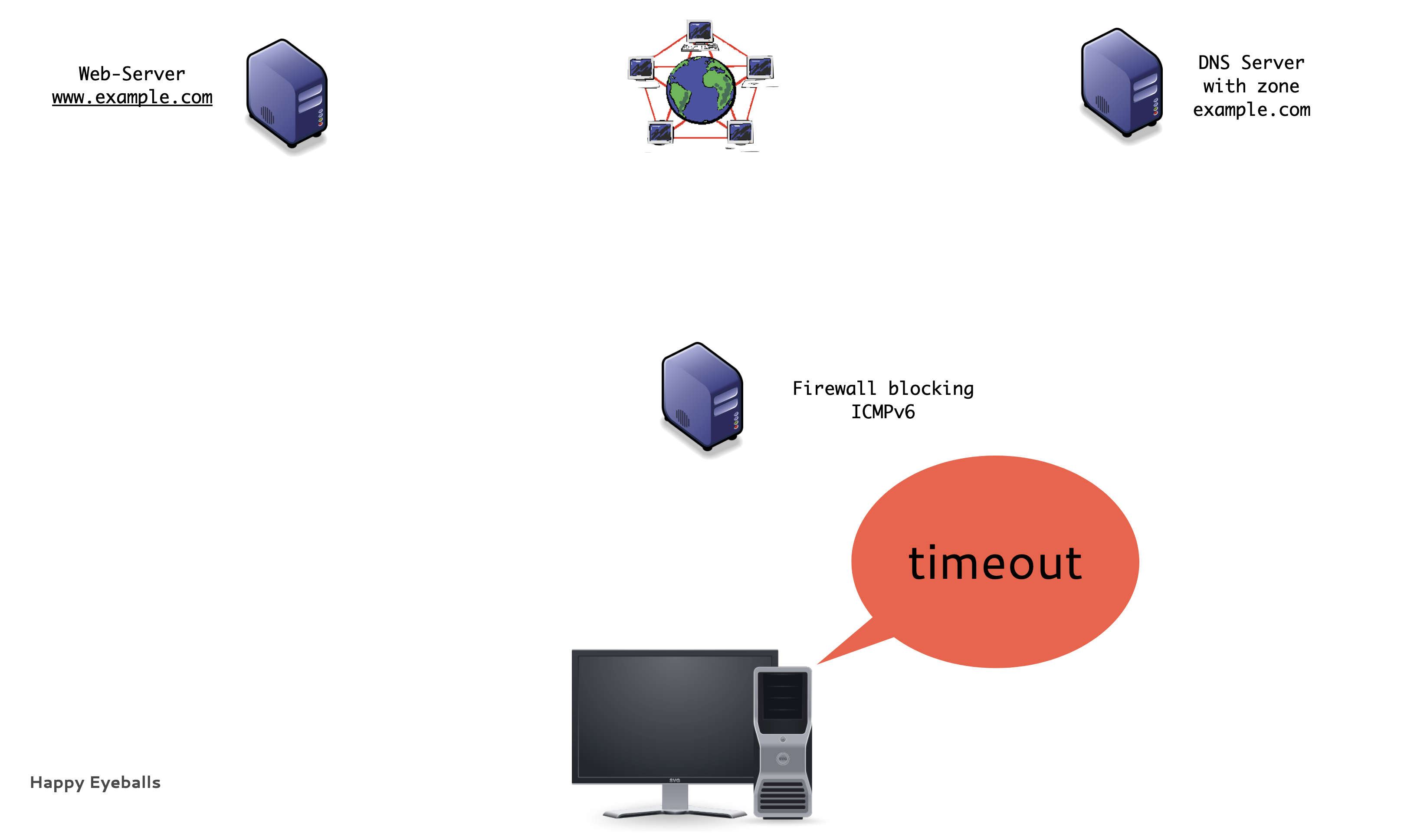
Traditional IPv6 connections (6/9)
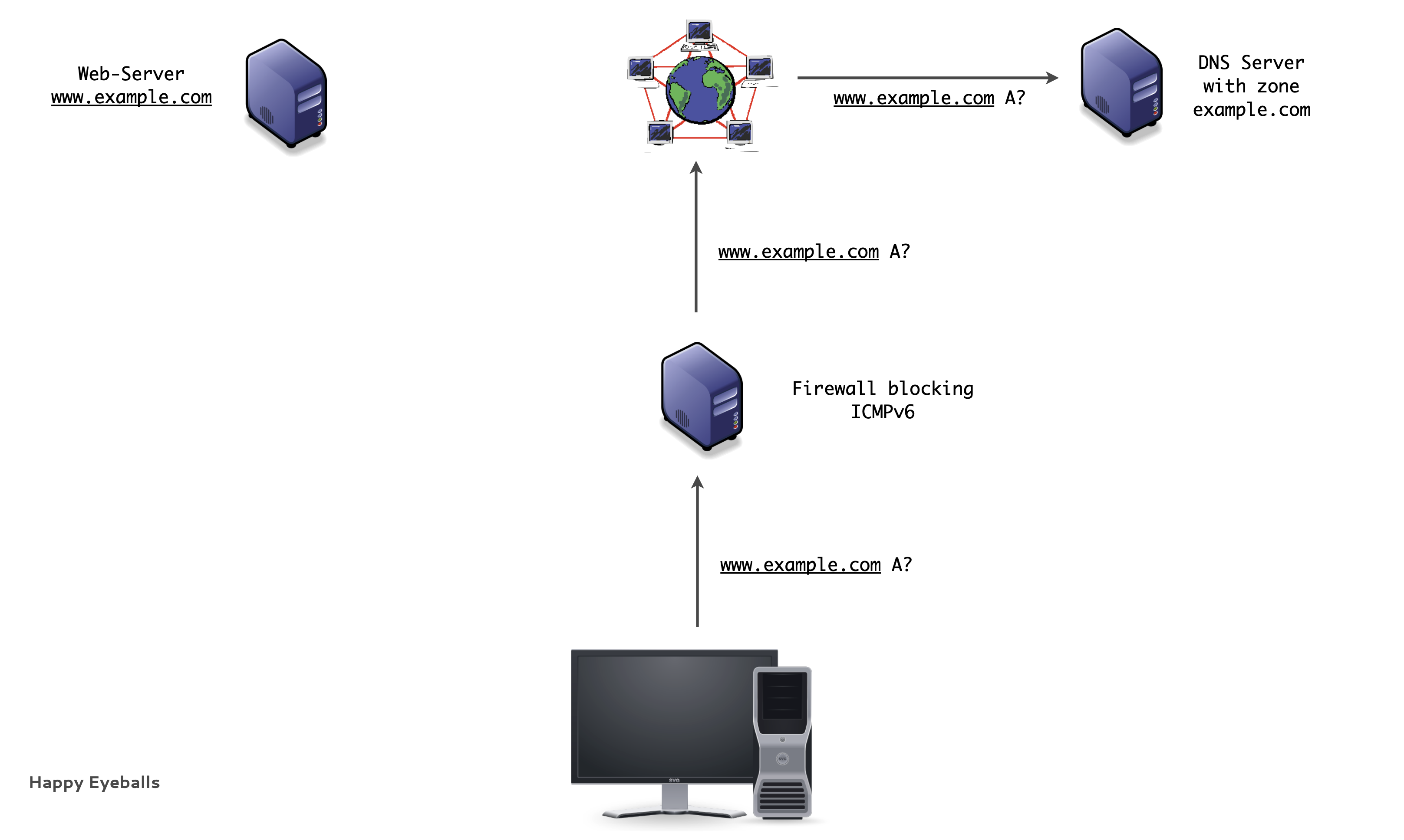
Traditional IPv6 connections (7/9)
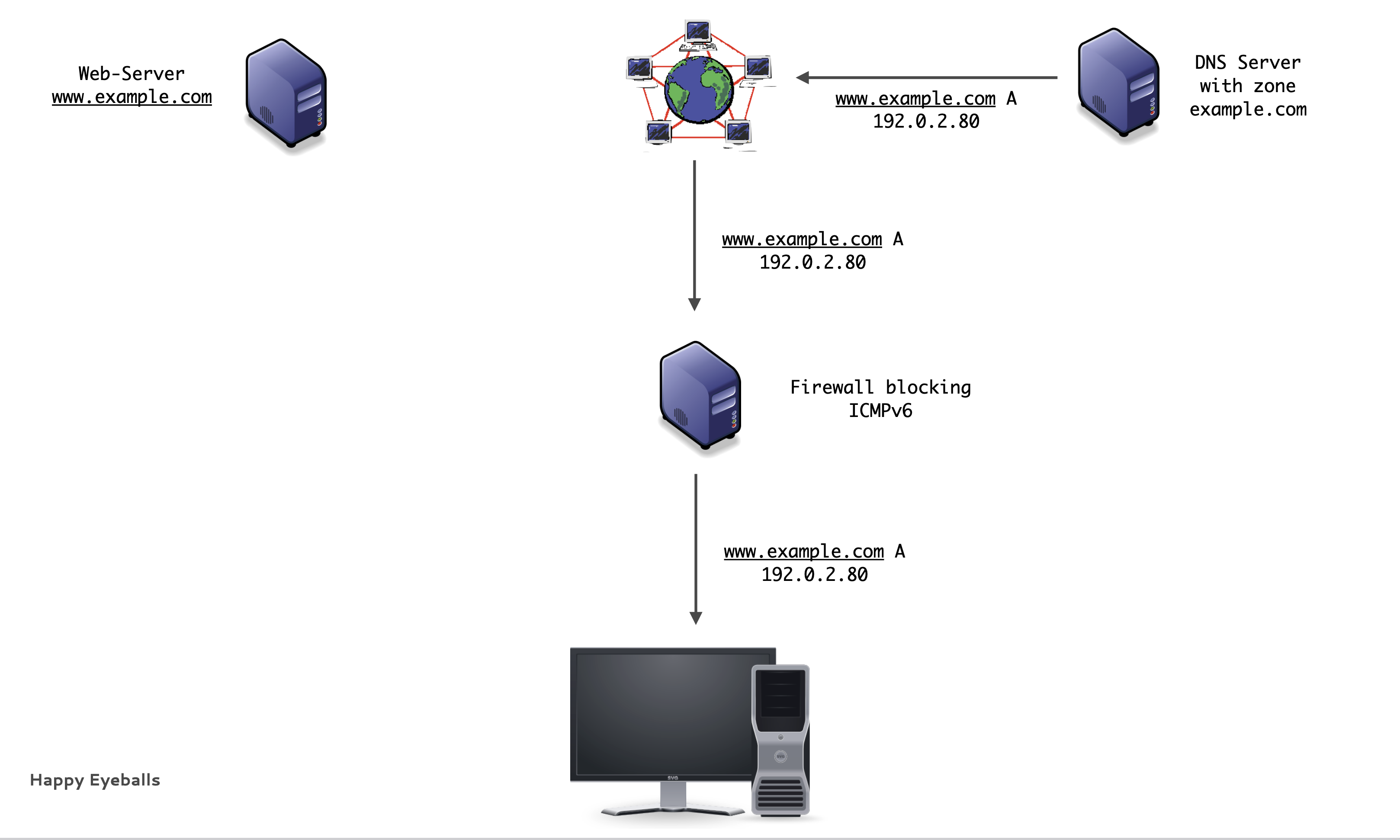
Traditional IPv6 connections (8/9)
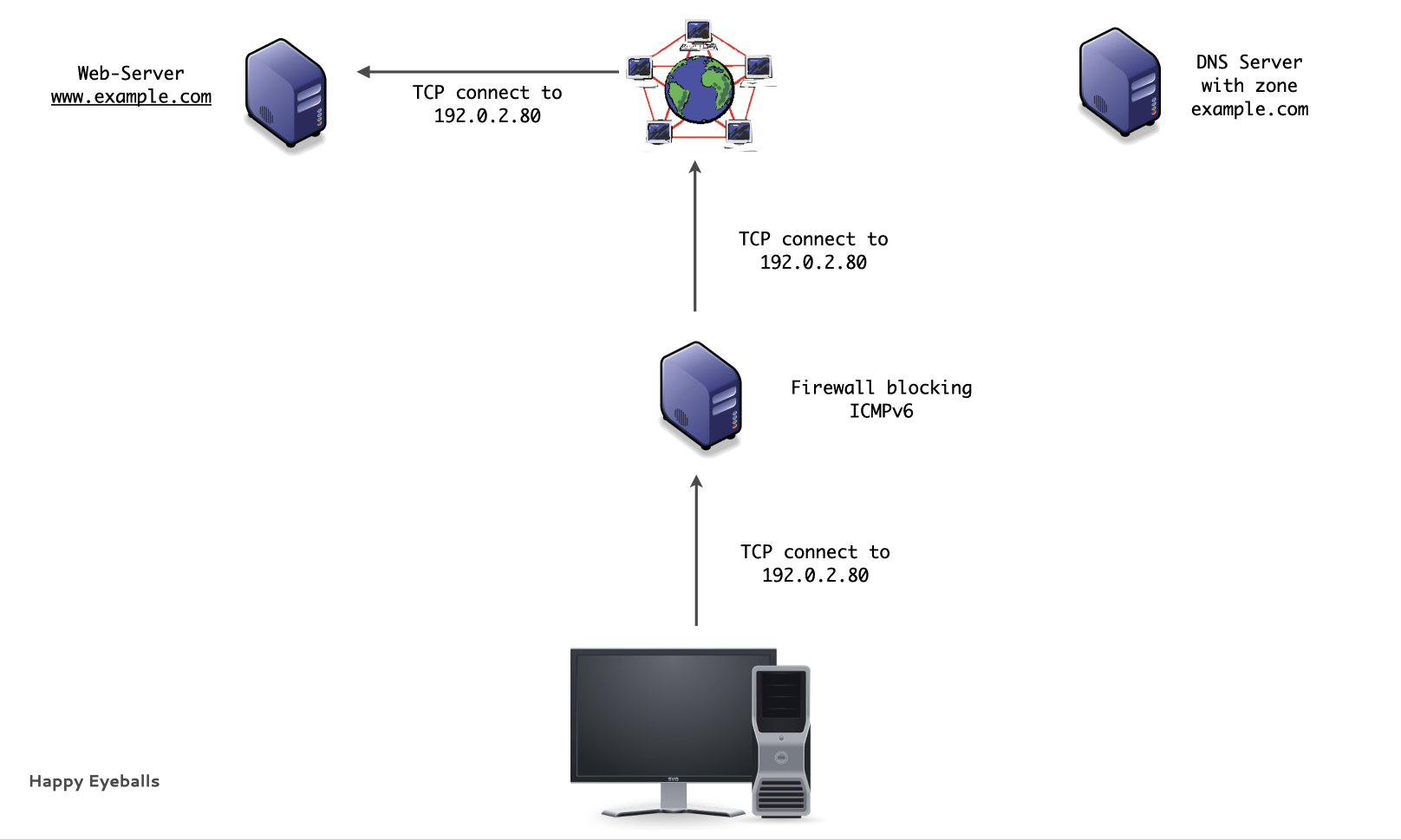
Traditional IPv6 connections (9/9)
Happy Eyeballs
Happy Eyeballs
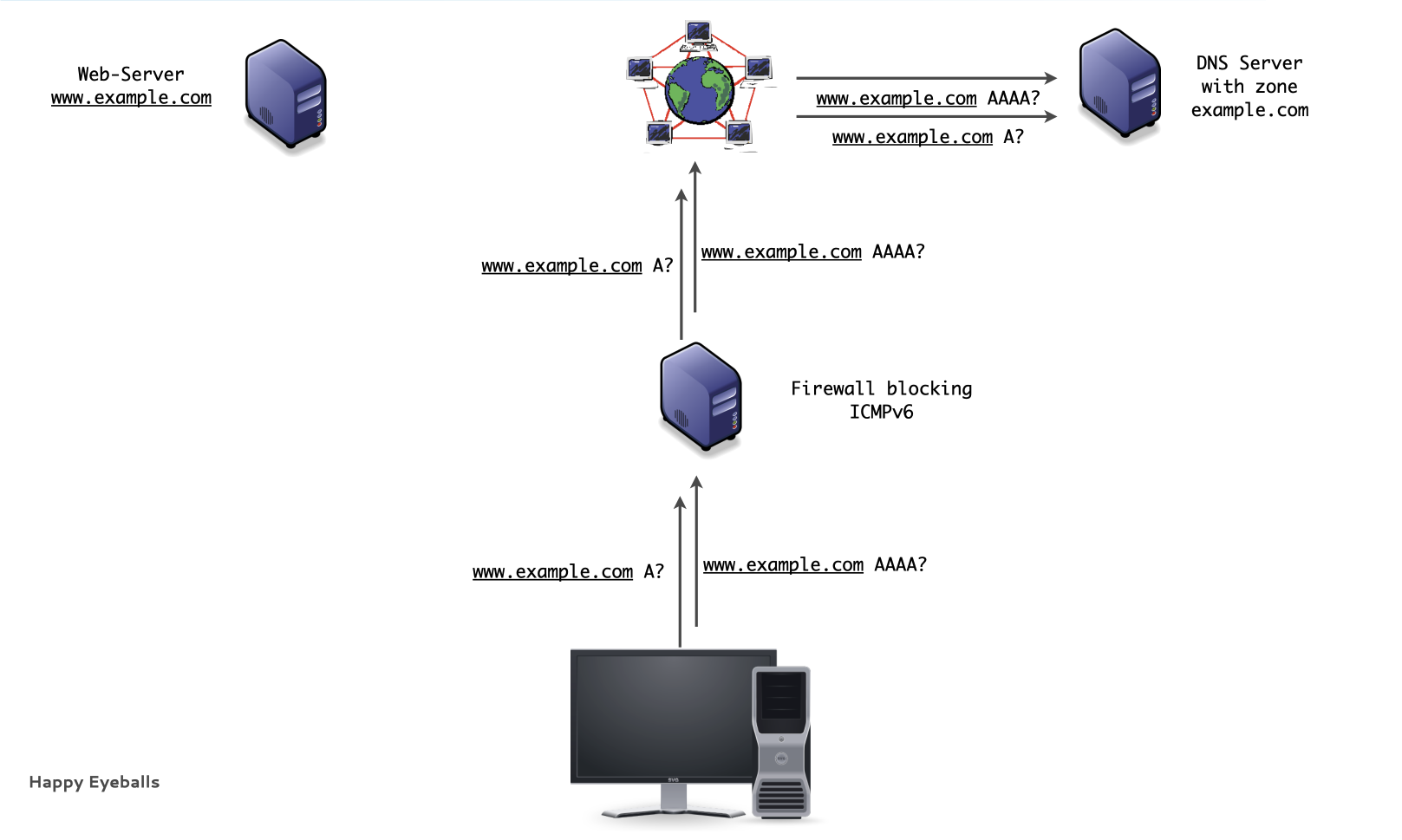
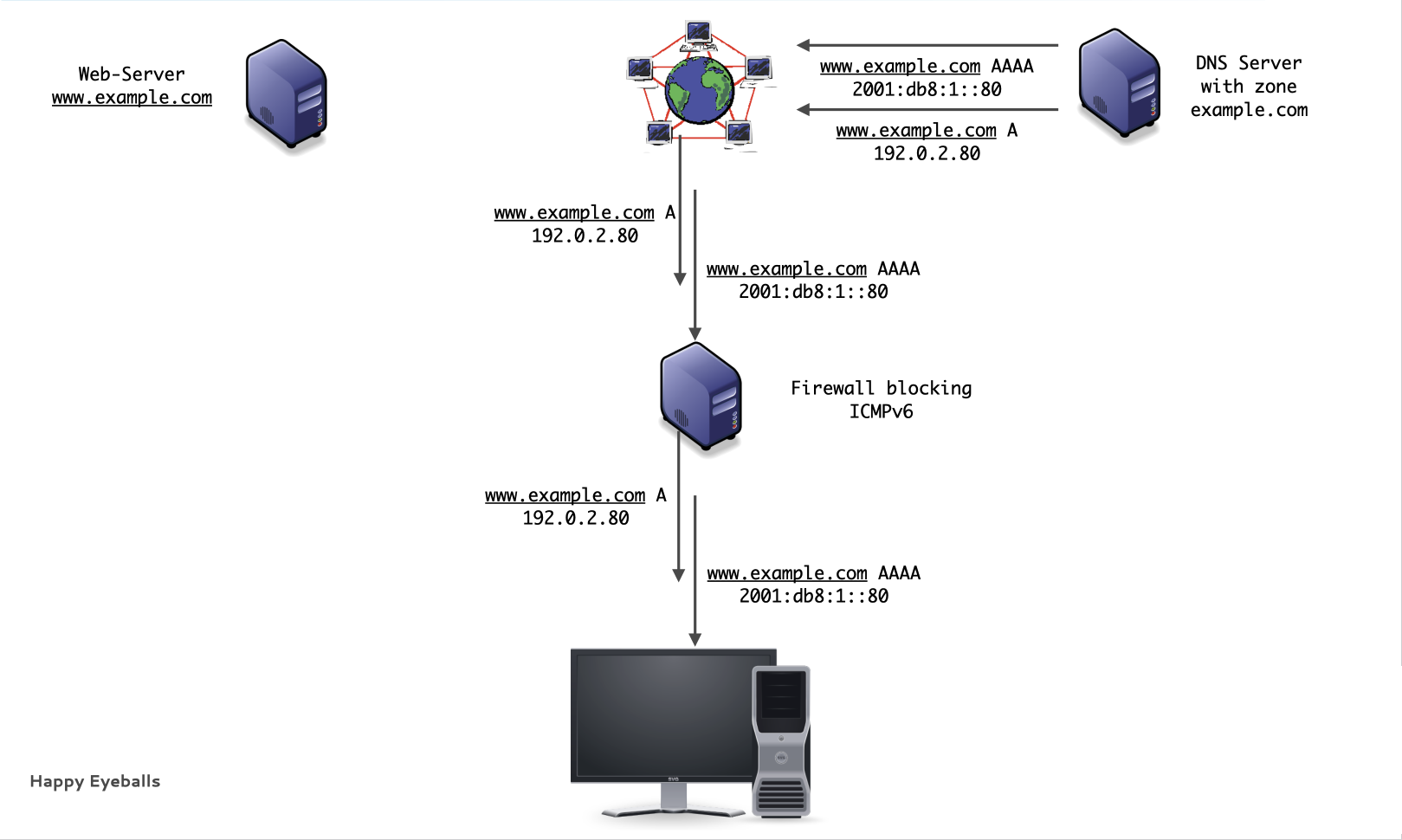
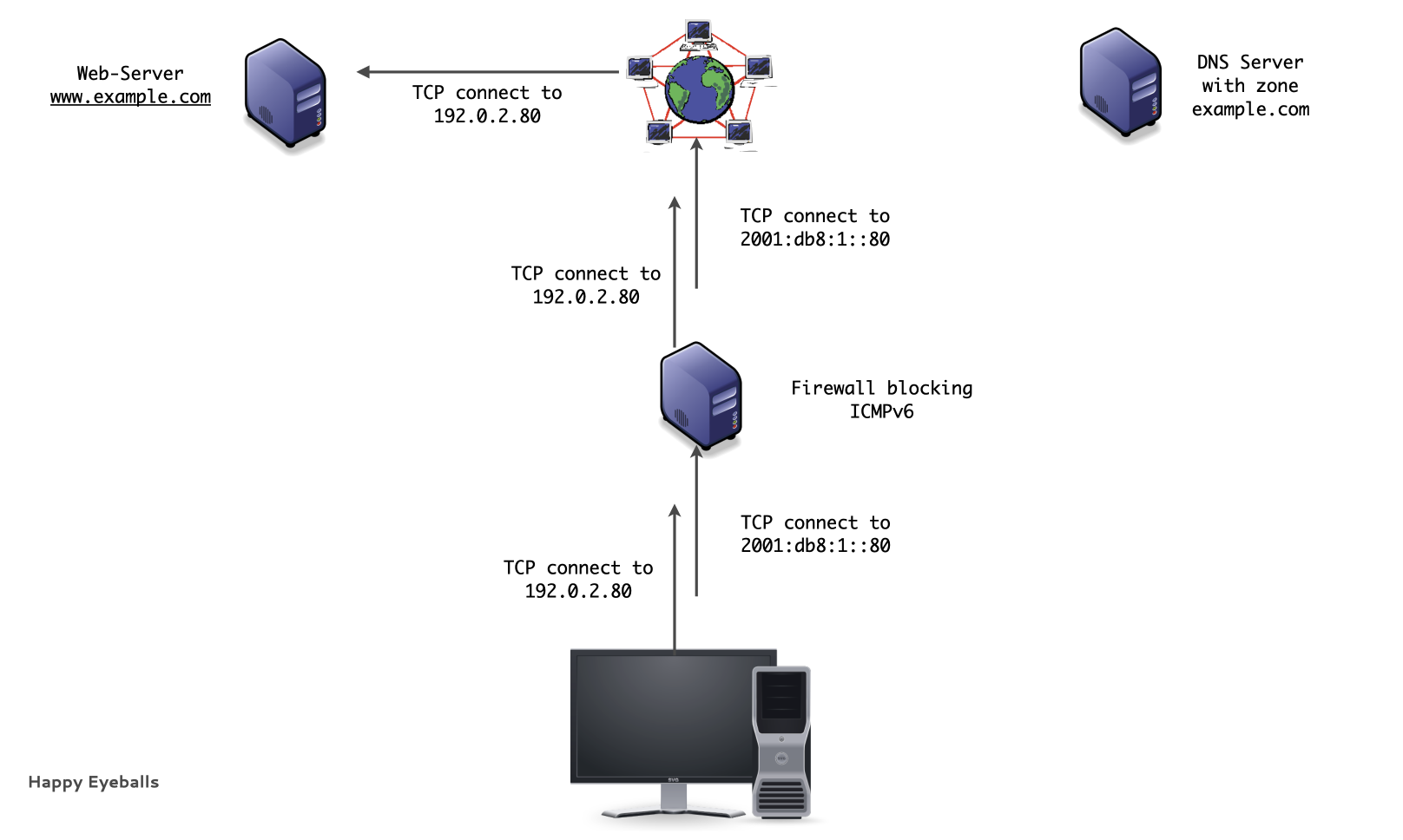
RFC 8305 "Happy Eyeballs Version 2: Better Connectivity Using Concurrency" brings a solution
- Try IPv6 and IPv4 connections simultaneously
- IPv6 has a slight head start
- Take the first connection that is established (IPv6 or IPv4)
- User gets always the fast connection
Happy Eyeballs Implementation
Example implementation:
- Call
getaddinfo(), which returns a list of IP addresses sorted by the host's address preference policy. - Initiate a connection attempt with the first address in that list (e.g., IPv6).
- If that connection does not complete within a short period of time, initiate a connection attempt with the first address belonging to the other address family (e.g., IPv4).
- The first connection that is established is used. The other connection is discarded.
Happy Eyeball in operation (1/4)
Happy Eyeball in operation (2/4)
Happy Eyeball in operation (3/4)
Happy Eyeball in operation (4/4)
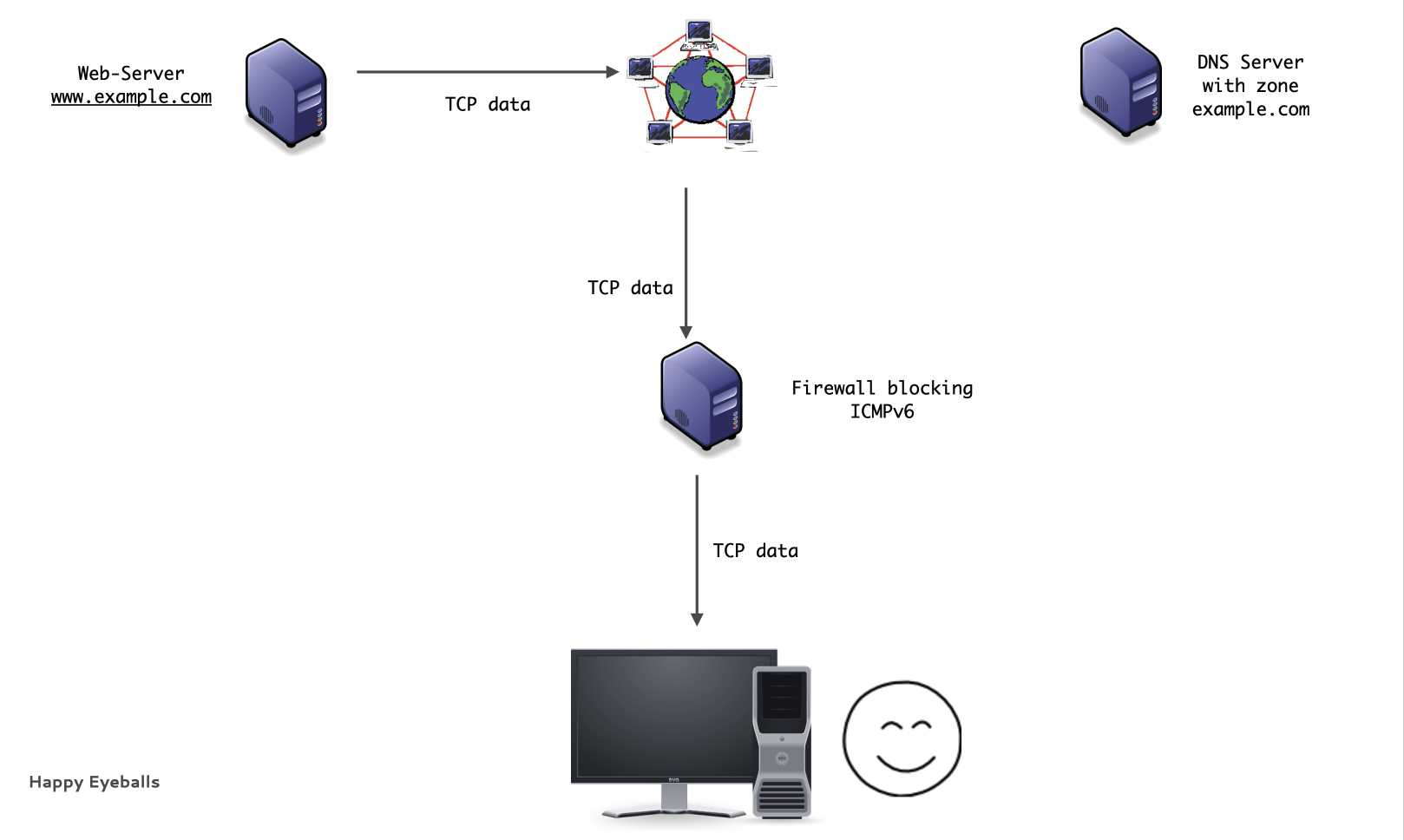
Happy Eyeball Implementations
- Google Chrome 11+
- Mozilla Firefox version 13+
- Apple macOS
- CFSocketStream() Framework
- Safari
- Apple iOS
- Vivaldi/Brave/Edge/Opera Browser
- Windows 8/10/11
Microsoft Windows "NCSI"
NCSI
Microsoft has developed a slightly different solution for their Windows OS (Version 8+):
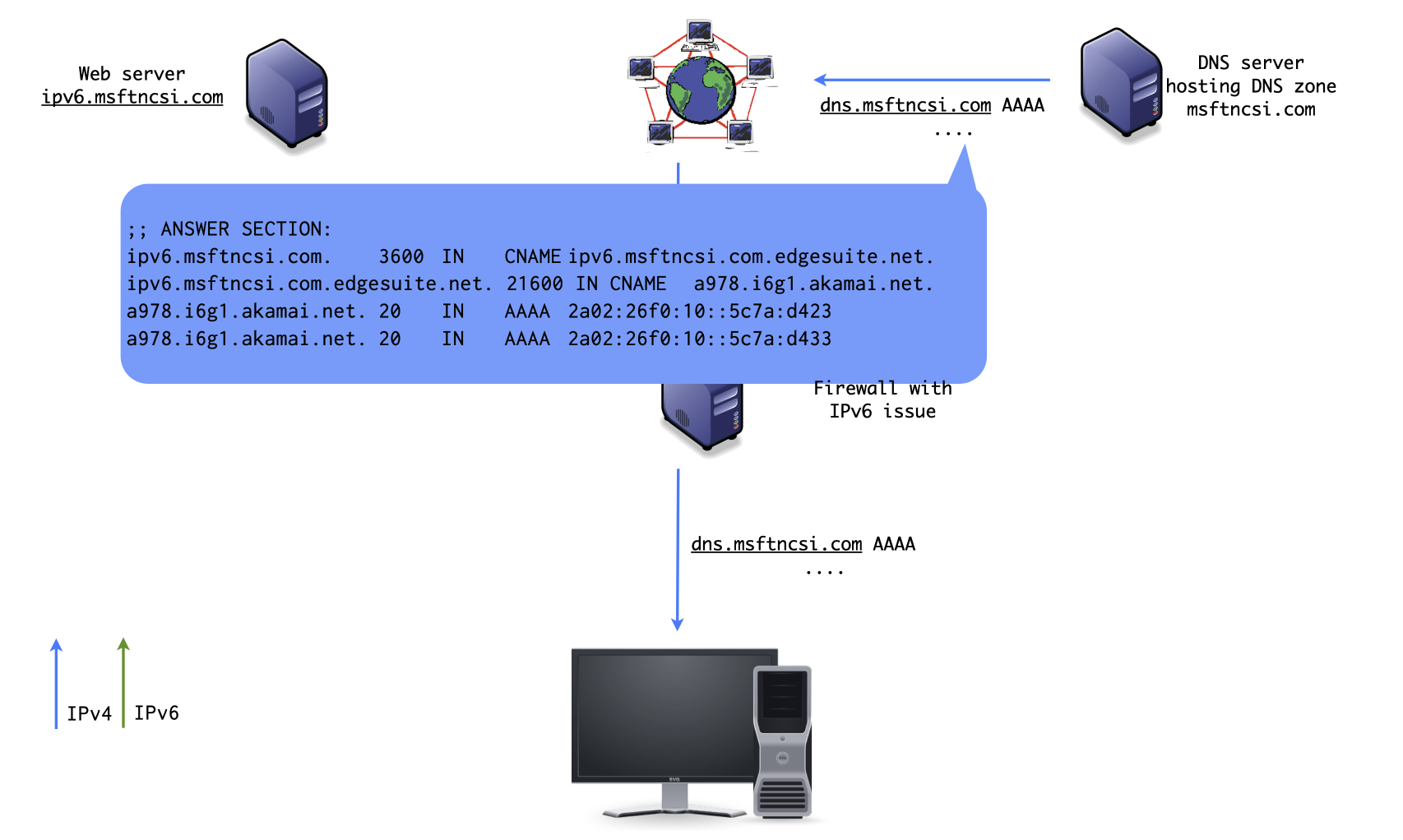
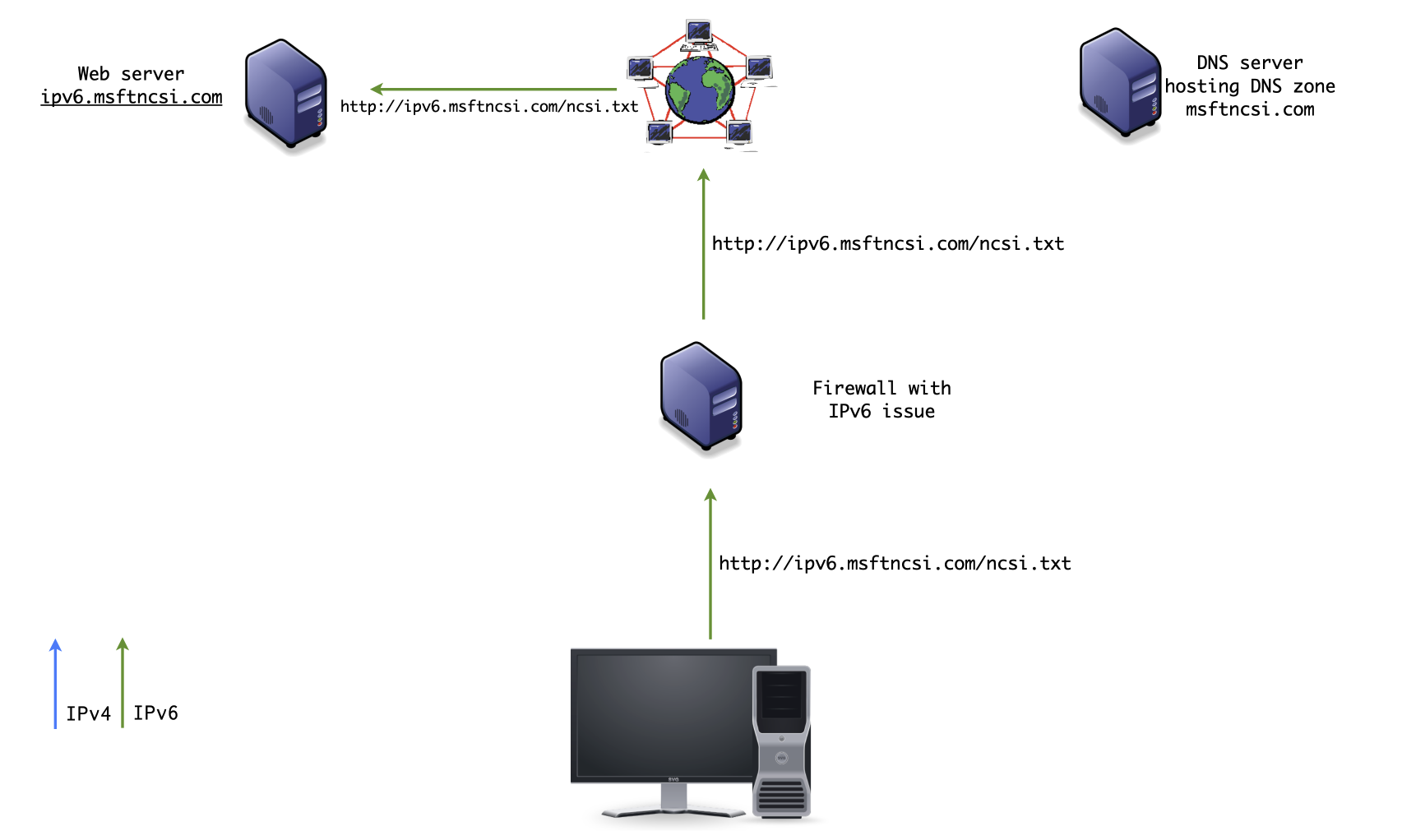
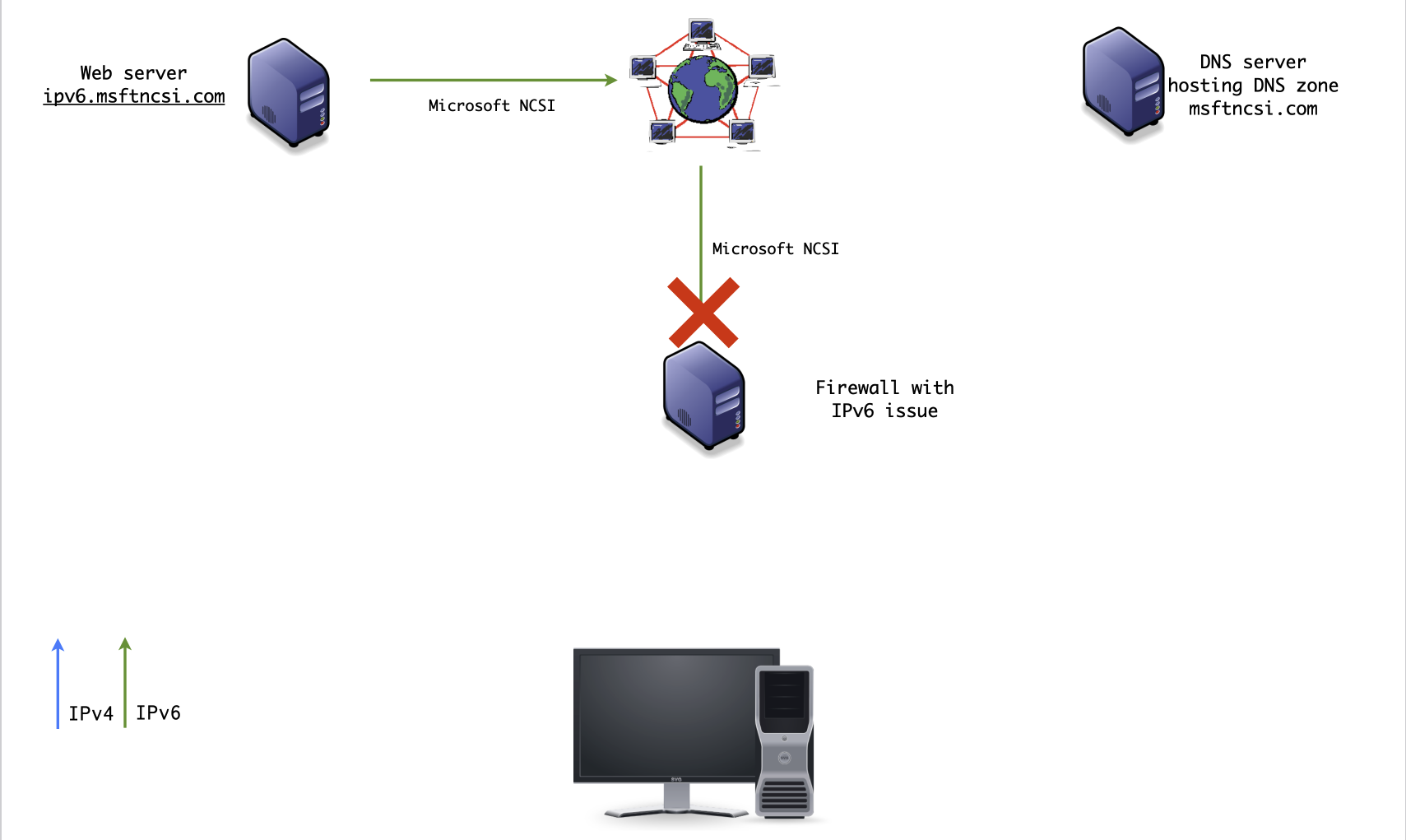
- The Windows OS tests IPv6 connectivity on every network change and saves the result per network
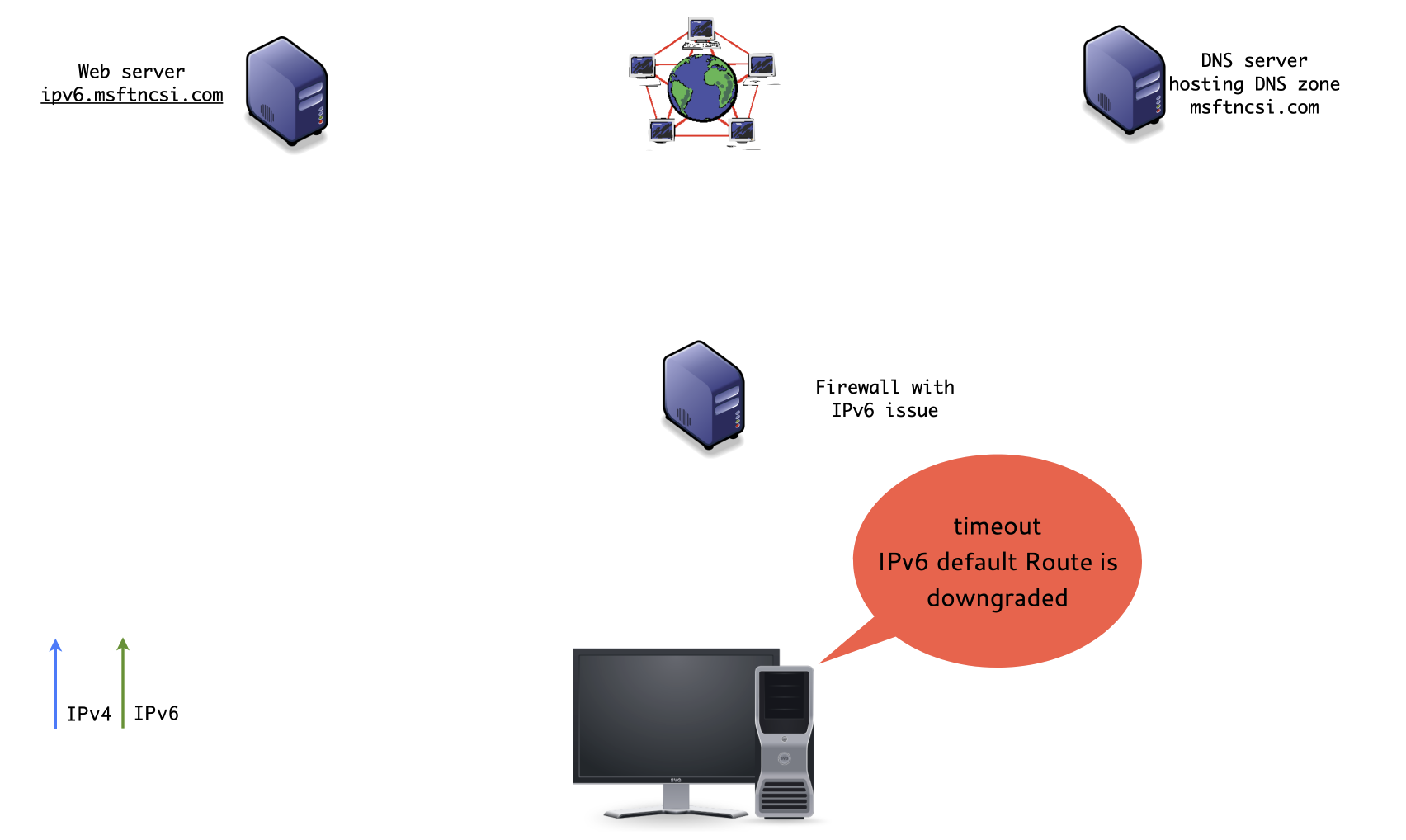
- In case no direct IPv6 connection is detected, the IPv6 default route is downgraded (e.g. IPv4 will be preferred for all connections)
- The IPv6 connectivity test is part of the NCSI (Network Connection Status Indicator) network-Icon in the Windows status bar
NCSI (1/7)
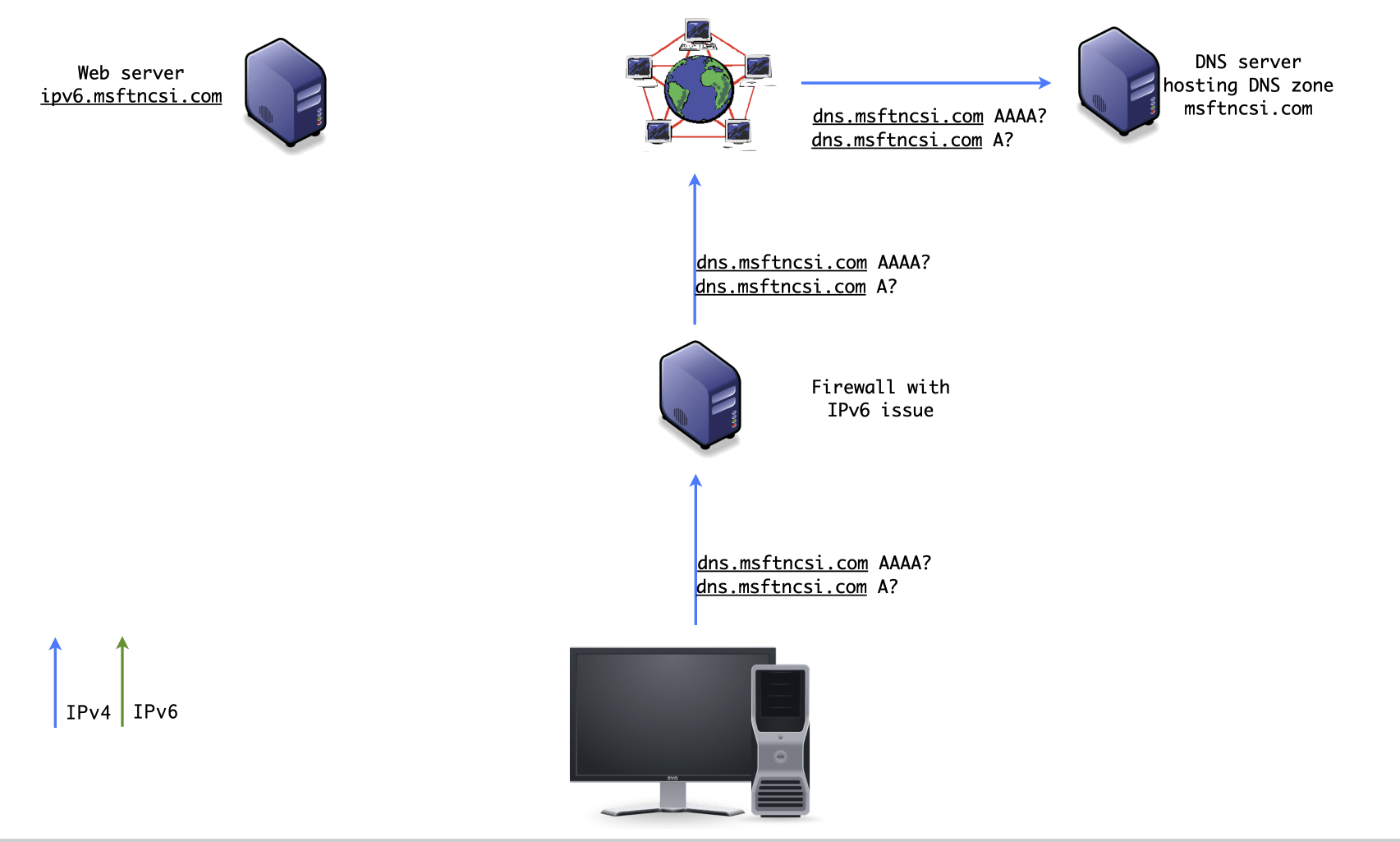
NCSI (2/7)
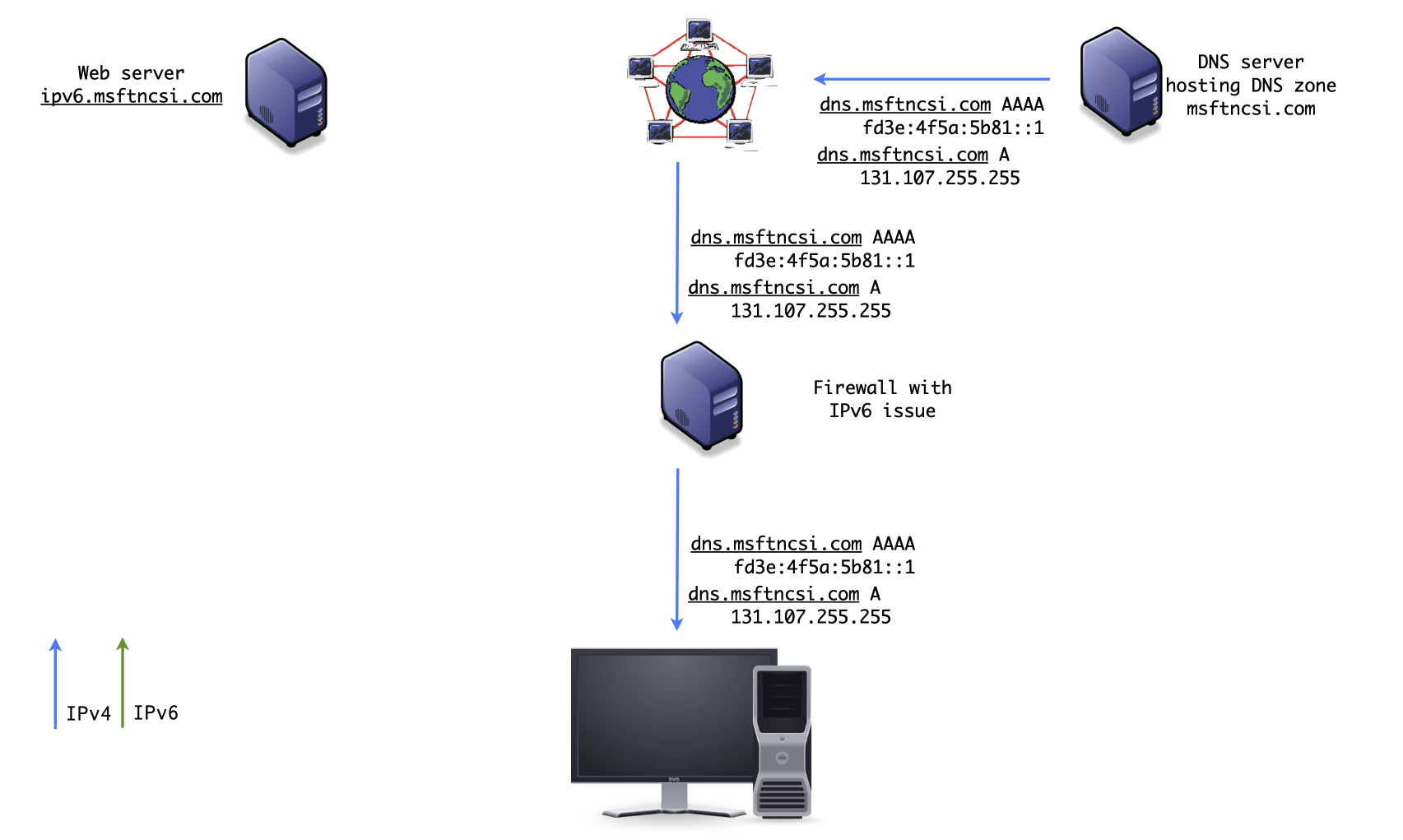
NCSI (3/7)
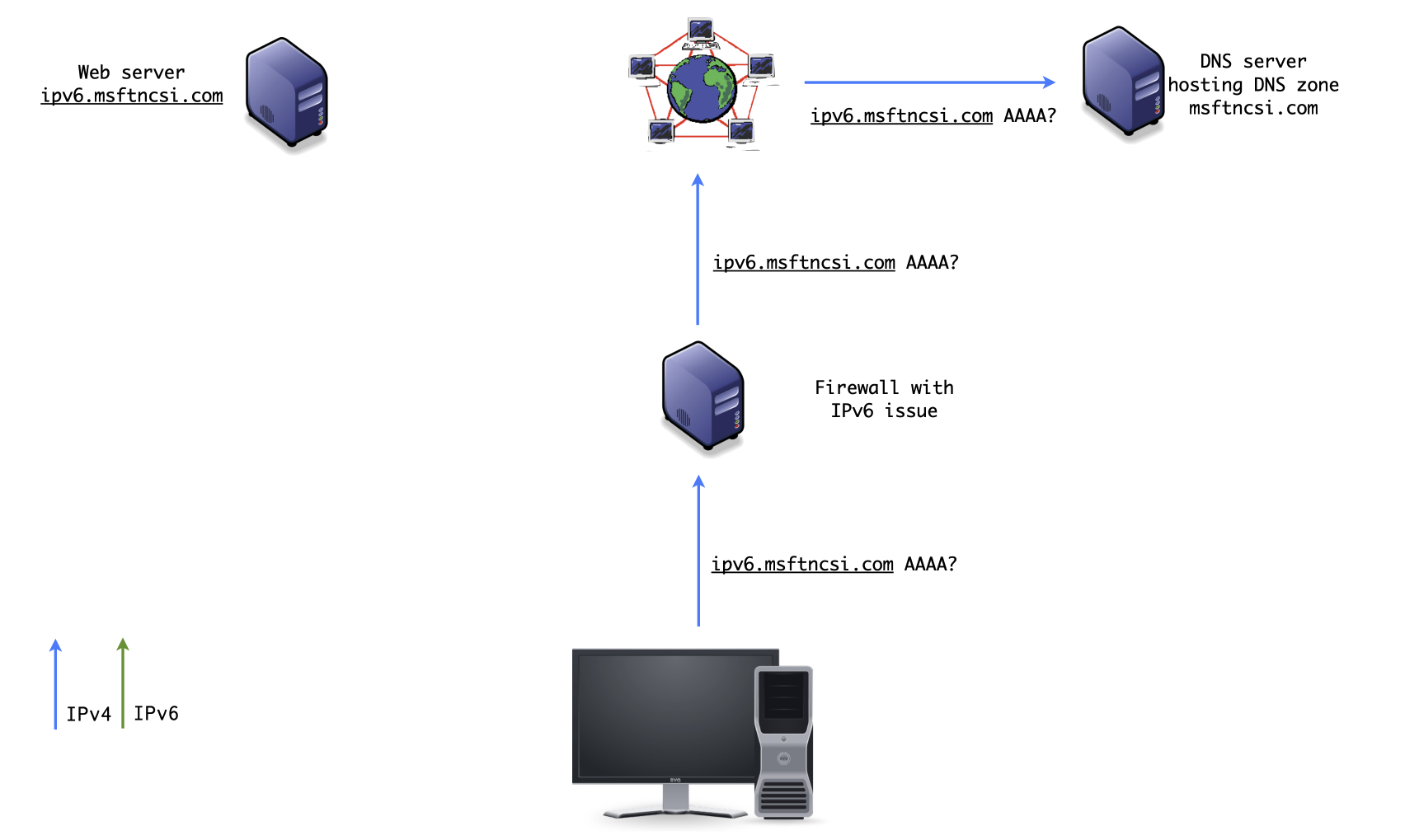
NCSI (4/7)
NCSI (5/7)
NCSI (6/7)
NCSI (7/7)
IPv6 NCSI test
- The result of a successful IPv6 NCSI connectivity test is stored per network for 30 days
- Negative results are not stored, the test will be repeated once a network configuration parameter changes
- Leaving a "captive WLAN-Portal" triggers a new NCSI test
- If proxy-servers are configured, the NCSI test is skipped
IPv6 NCSI test
- Downgrading the IPv6 "default" route has an effect on all application (not only on the web browser)
- In enterprise environments, the NCSI-test can be redirected to local DNS and Web servers
- Or adjusted using PowerShell
Set-NCSIPolicyConfiguration: http://technet.microsoft.com/en-us/library/hh848620(v=wps.620).aspx - Or disabled with a policy registry setting
NCSI Registry settings
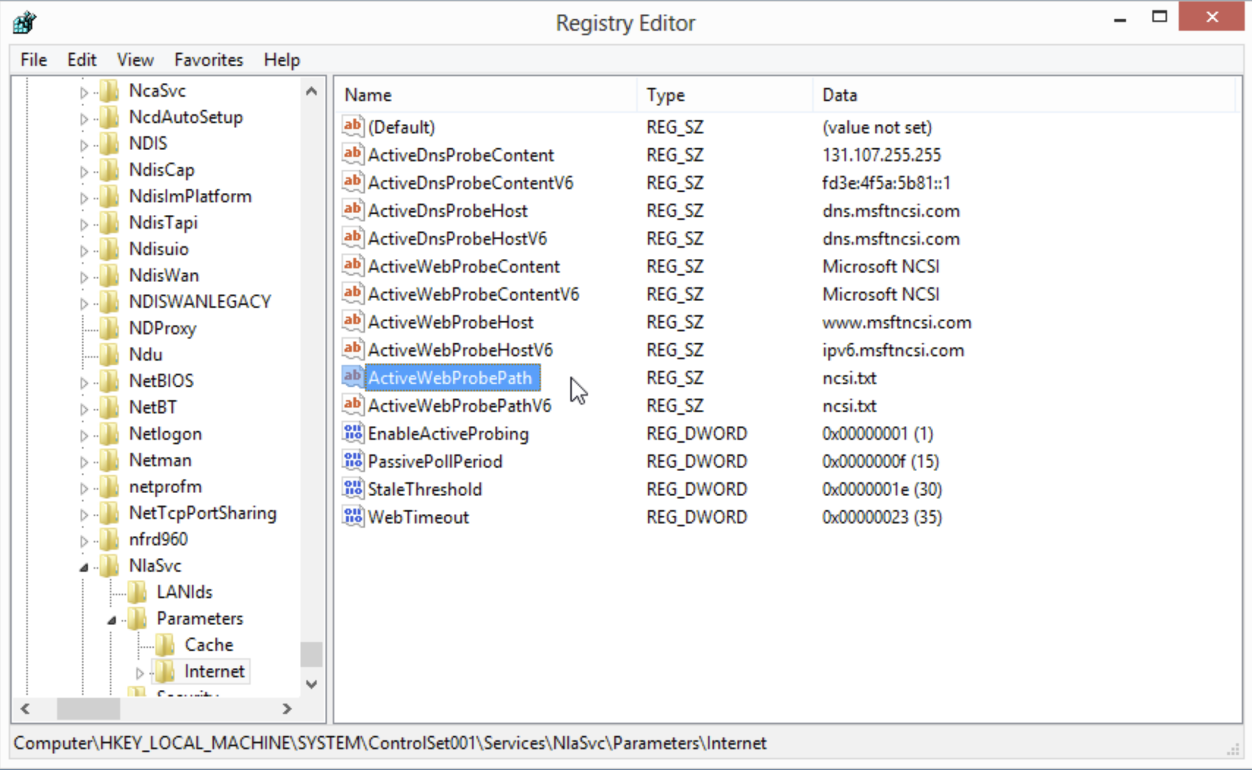
Windows NCSI IPv6 test
- Advantages over "IETF" Happy Eyeballs:
- Works for all applications
- Easier to troubleshoot
- Possible downsides
- Some IPv6 issues could not be detected (some ICMPv6 issues)
- "Privacy" concerns over "phoning home"
- NCSI request might be blocked (for privacy reasons) - IPv6 will be downgraded despite full IPv6 connectivity
Happy Eyeballs v3, QUIC and the HTTPS DNS-Record
Happy Eyeballs v3, QUIC and the HTTPS DNS-Record
- HTTP/3 capable clients (Browser, Apps) need to decide to connect to a web server via HTTP3/UDP or HTTP2/TCP
- This decision is similar to the Happy Eyeball IPv6 vs. IPv4 decision
Happy Eyeballs v3, QUIC and the HTTPS DNS-Record
- The HTTPS-Record (RFC 9460) in DNS can give applications guidance on what protocol to choose
- The IETF is working on a 3rd iteration on Happy Eyeballs to take HTTP/3 and the HTTPS record into account: "Happy Eyeballs Version 3: Better Connectivity Using Concurrency" https://datatracker.ietf.org/doc/draft-pauly-v6ops-happy-eyeballs-v3/
Ressources
- RFC 8305 - Happy Eyeballs Version 2: Better Connectivity Using Concurrency https://www.rfc-editor.org/rfc/rfc8305
- Lazy Eye Inspection: Capturing the State of Happy Eyeballs Implementations (2024) https://arxiv.org/pdf/2412.00263
- What is NCSI: http://technet.microsoft.com/en-us/library/cc766017(v=ws.10).aspx
Questions?